

Introduction
If you have an Ender 3 V2 Neo, you probably know the feeling.
It prints fine, but it’s loud, a bit rough around the edges, and sometimes annoying to live with day to day.
In this article I’ll show you how I made my Ender 3 V2 Neo much quieter and more stable using just two simple modifications.
Nothing exotic, nothing expensive. Just practical upgrades that actually make a difference 👍
I’ll walk you through what I changed, why I did it, and how you can repeat the same process step by step.
What Is the Ender 3 V2 Neo?
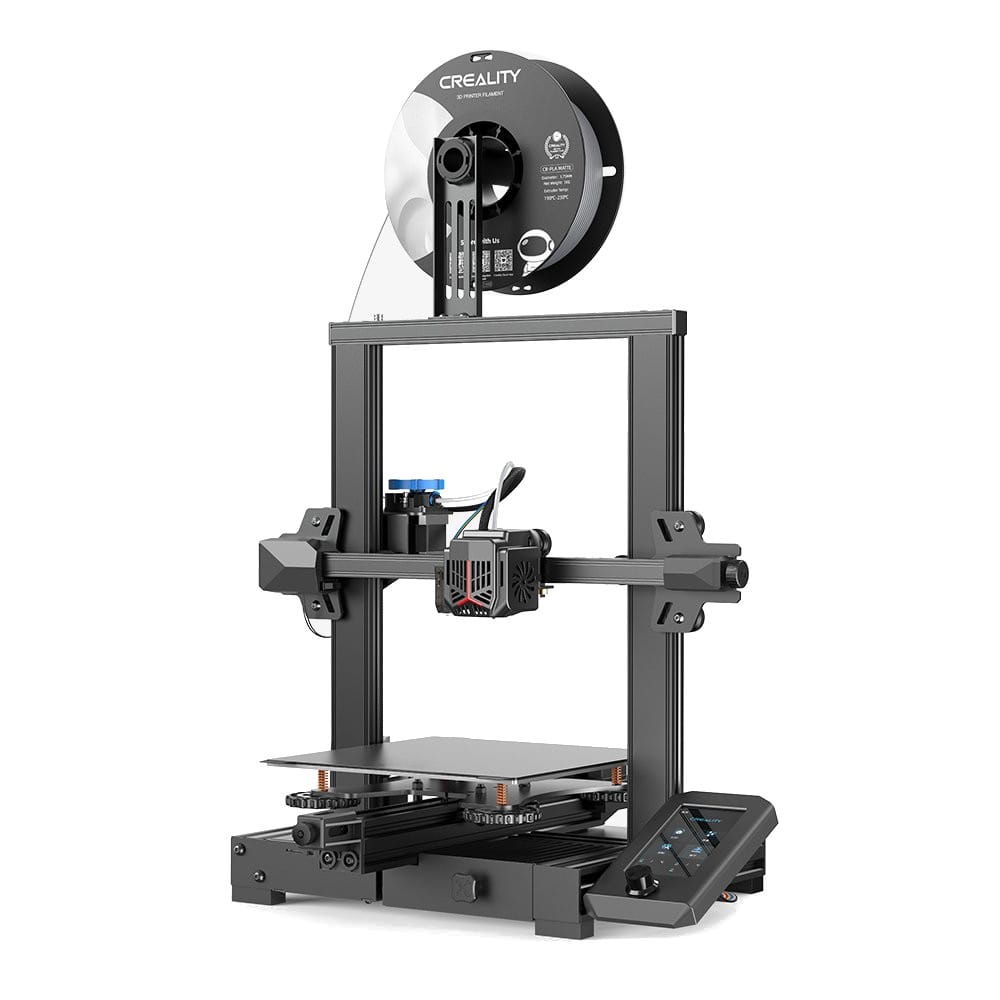
The Ender 3 V2 Neo is a budget FDM 3D printer from Creality that was very popular around 2022–2023.
It came as an improved version of the classic Ender 3 line with a few nice upgrades out of the box:
- CR-Touch for auto bed leveling
- All-metal extruder
- Decent print quality for the price
At the time, it was one of the best “value for money” printers you could buy.
Today, of course, there are much better printers on the market. Faster, quieter, more automated.
But that doesn’t mean the V2 Neo is bad.
The biggest advantage of this printer is the huge modding ecosystem.
With a few smart upgrades, you can still turn it into a very solid and enjoyable machine.
Problem #1: Noise (And a Lot of It)
Let’s be honest.
The Ender 3 V2 Neo is loud.
The main reason is simple:
it uses two small 4010 fans, and they are:
- high-pitched
- whiny
- unpleasant, especially in a quiet room
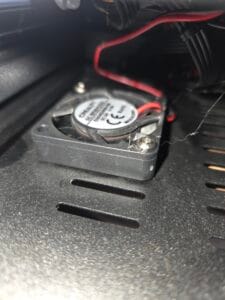
One fan cools the hotend, the other cools the mainboard. Both are noisy.
Just hear it:
And here a photo of the stock Creality 4010 fan.
My Solution: Sunon MagLev 4020 Fans
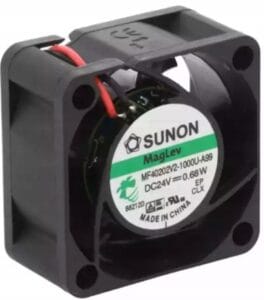
I replaced both stock fans with Sunon MagLev 4020 fans.
Why Sunon?
- Much quieter
- Better airflow
- Very high quality
- Long lifespan
Important: buy the 24V version.
I strongly recommend buying two fans, one for the hotend and one for the mainboard.
Mod #1: Hotend Fan Replacement
Let’s start with the hotend fan.
Step by step:
- Remove the plastic shroud from the print head
- Cut off the old 4010 fan
- Connect the wires to the Sunon fan (soldering or twisting + heat shrink)
- Mount the fan using zip ties (this is what I did)
- Power on and check airflow direction
Yes, I used zip ties.
It looks a bit DIY, but it works perfectly and is very quiet 😄
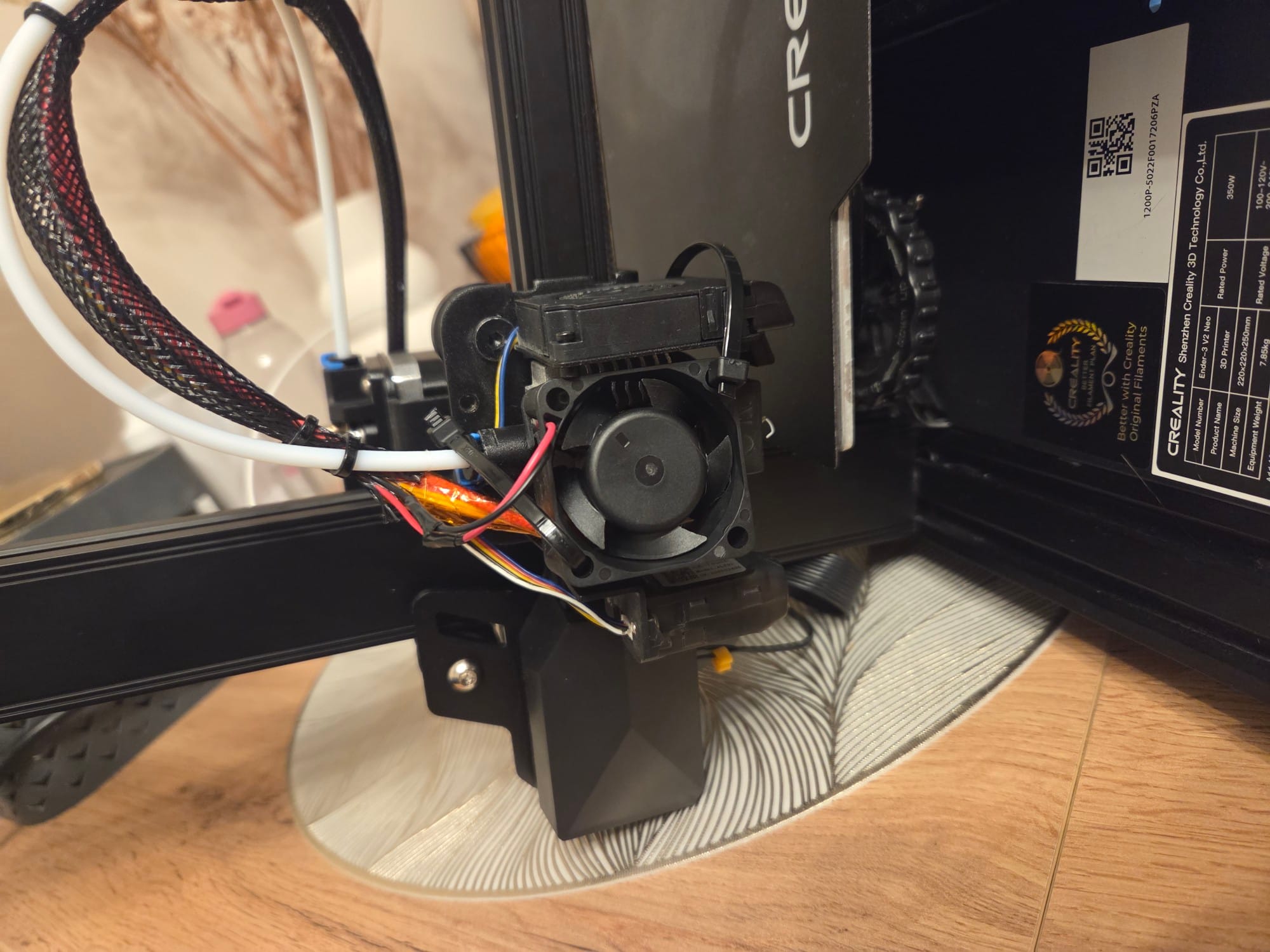
I do plan to design a proper printed shroud at some point to get rid of the zip ties, but honestly… I keep postponing it.
Mod #2: Mainboard Fan Replacement
The second noisy fan sits under the printer and cools the mainboard.
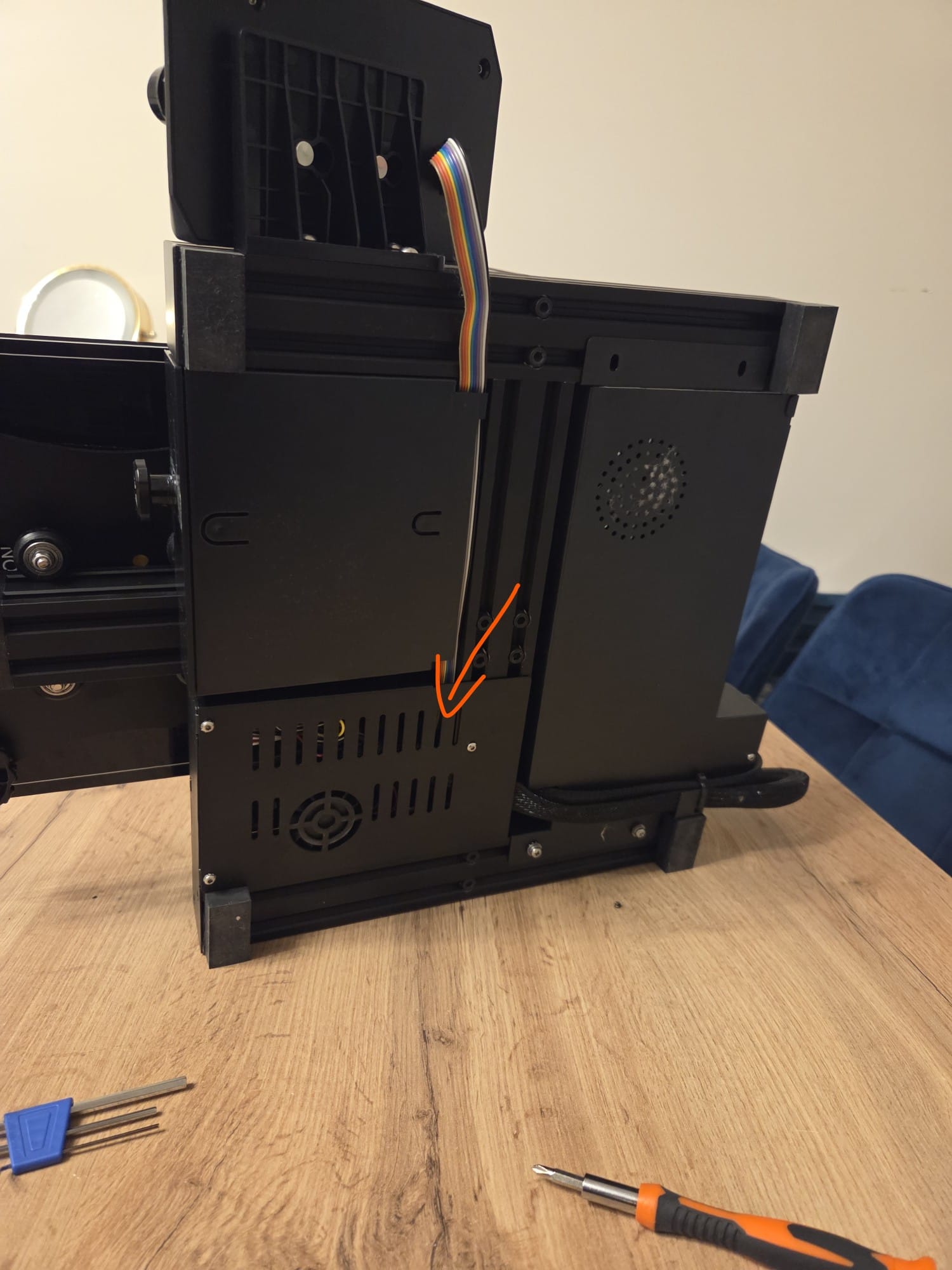
Step by step:
- Flip the printer and remove the bottom cover
- Cut off the old fan
- Connect the new Sunon fan (same as before)
- Mount it using zip ties or a printed cover
- Close everything back
If you prefer a printed solution, these models work well:
- https://www.printables.com/model/118408-ender-3-v2-mainboard-motherboard-cover-with-40x40x
- https://www.thingiverse.com/thing:4812262
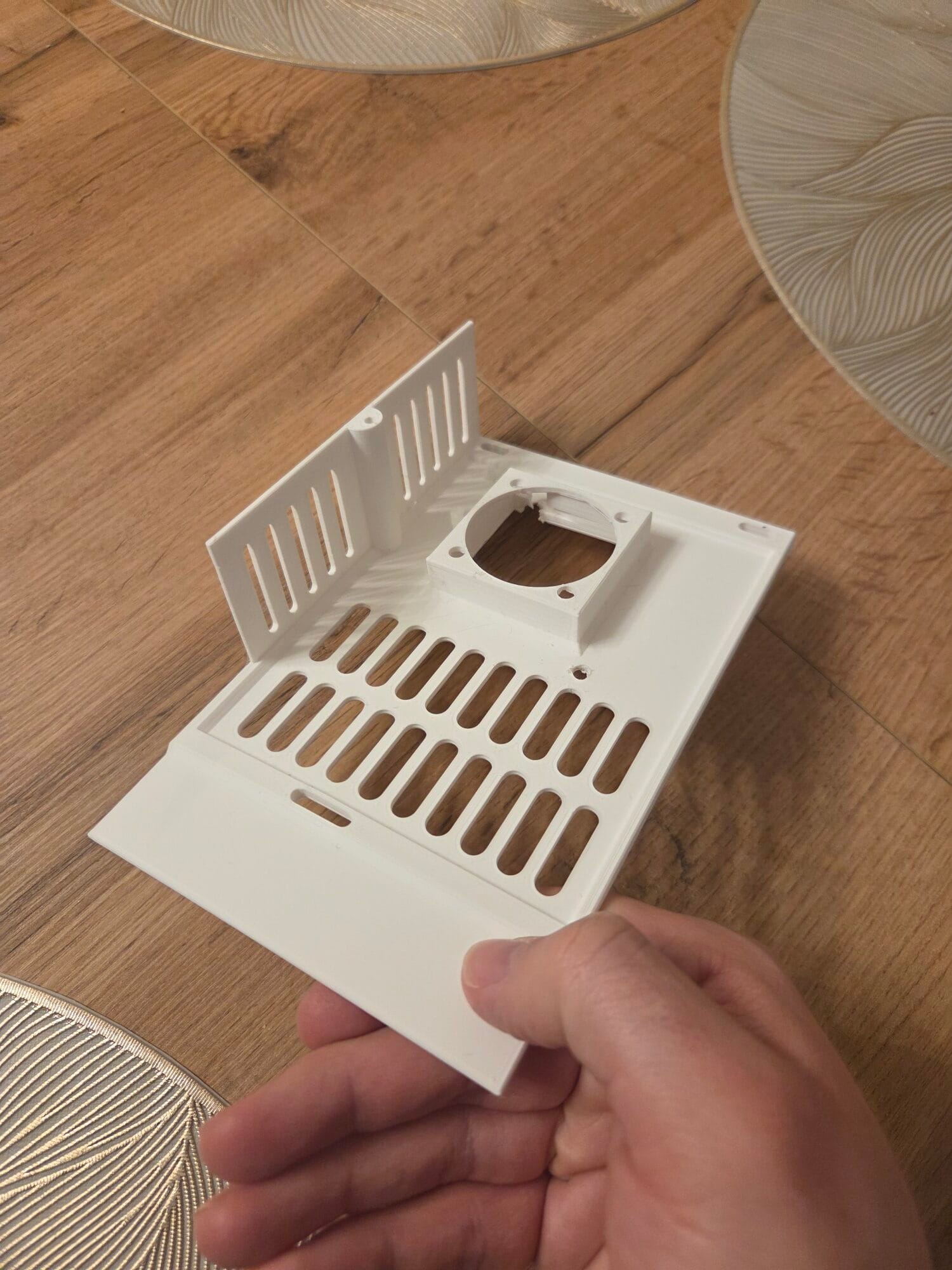
Important tip:
If you use a printed cover, add rubber spacers or dampers.
Without them, the fan can resonate and actually become louder than when mounted on zip ties.
Noise Result
After replacing both fans, the difference is huge.
The printer went from “annoying background noise” to something I can easily run while working or watching a movie.
For me, this alone was worth the effort.
Mod #3 (Bonus): Silicone Bed Spacers for Stability
The second main upgrade is about stability, not noise.
I replaced the stock bed springs with silicone spacers.
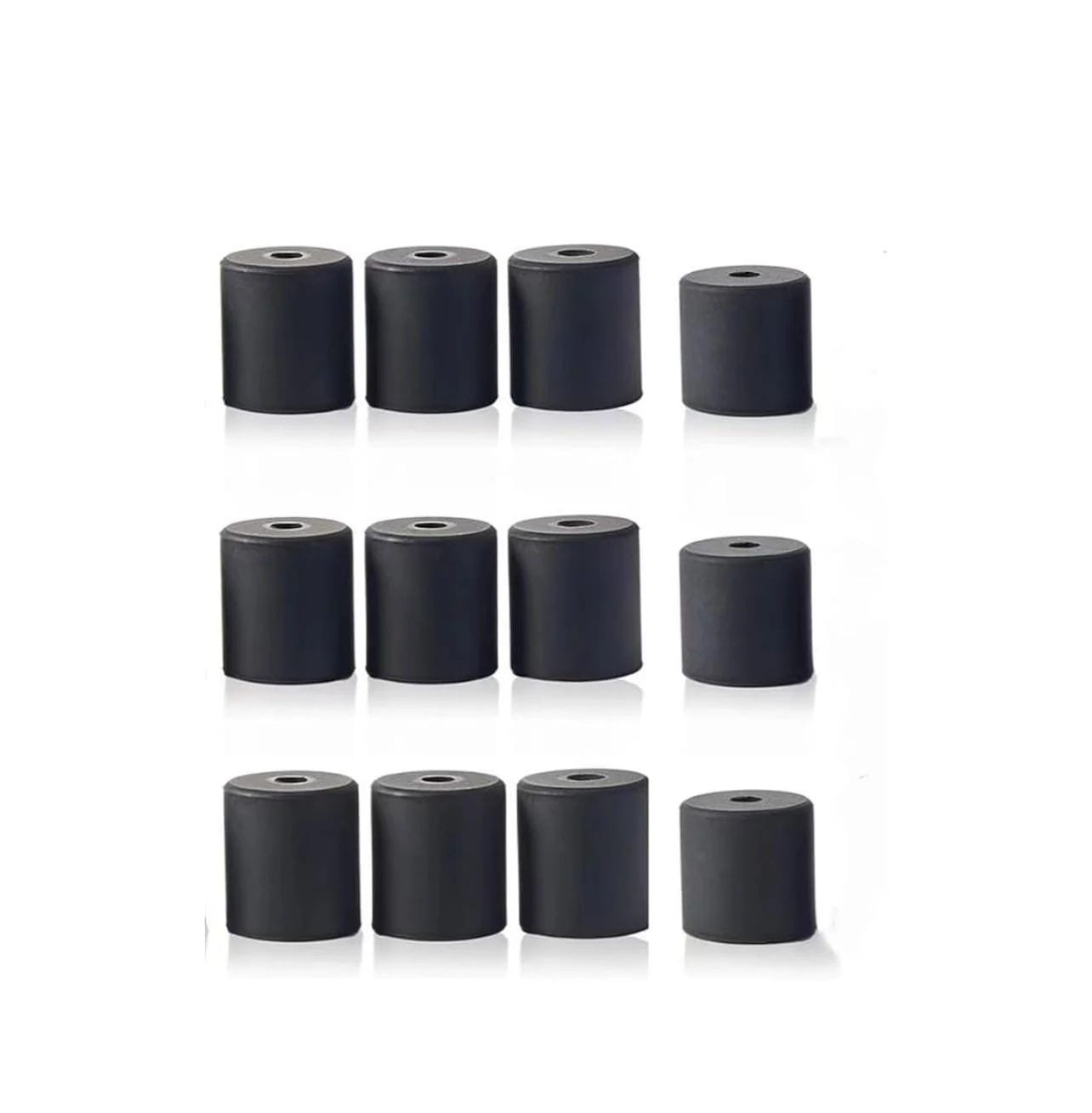
How to do it:
- Unscrew the four bed screws
- Remove the metal springs
- Insert silicone spacers instead
- Remember: one spacer is shorter – it goes in the top-left corner
- Tighten everything back
- Level the bed
That’s it.
After this mod, the bed holds its level much longer and feels more solid overall.
Free bonus content!
⚡ Want to get my Ender 3 V2 Neo bed calibration procedure for free?
Sign up for my newsletter!
By joining my newsletter, you’ll unlock exclusive bonuses for this tutorial:
Step by step bed leveling, z-offset, first layer tuning, basic slicer settings
All in one place 📩
👉 Sign up and make your life easier
Final Thoughts
The Ender 3 V2 Neo is not the newest or the best printer anymore.
But with just two simple modifications, you can make it:
- much quieter
- more stable
- more pleasant to use
For a small cost and a bit of time, it turns into a surprisingly capable 3D printer.
If you already own one, these upgrades are absolutely worth doing 👍


