Introduction
Hey there! 👋
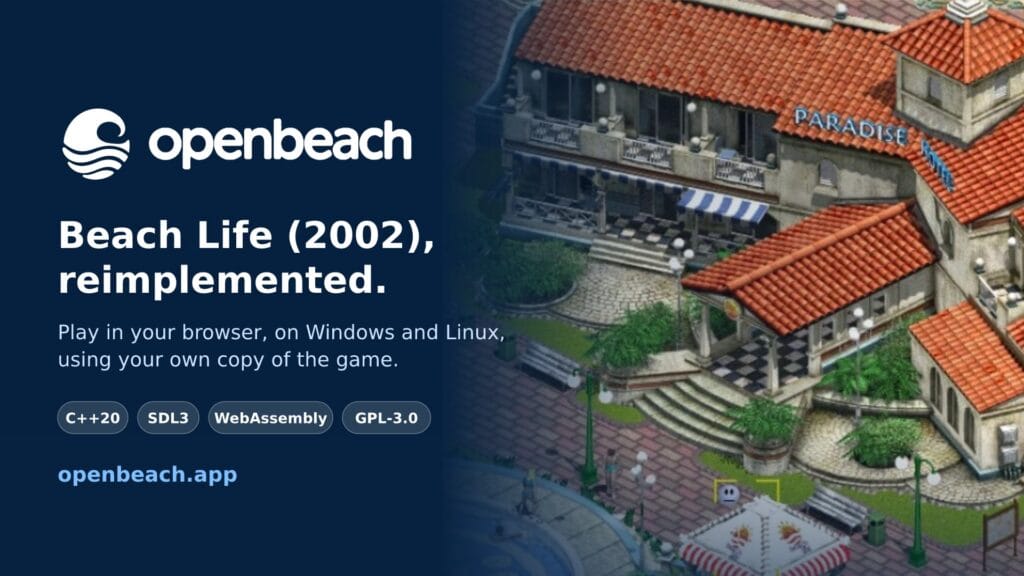
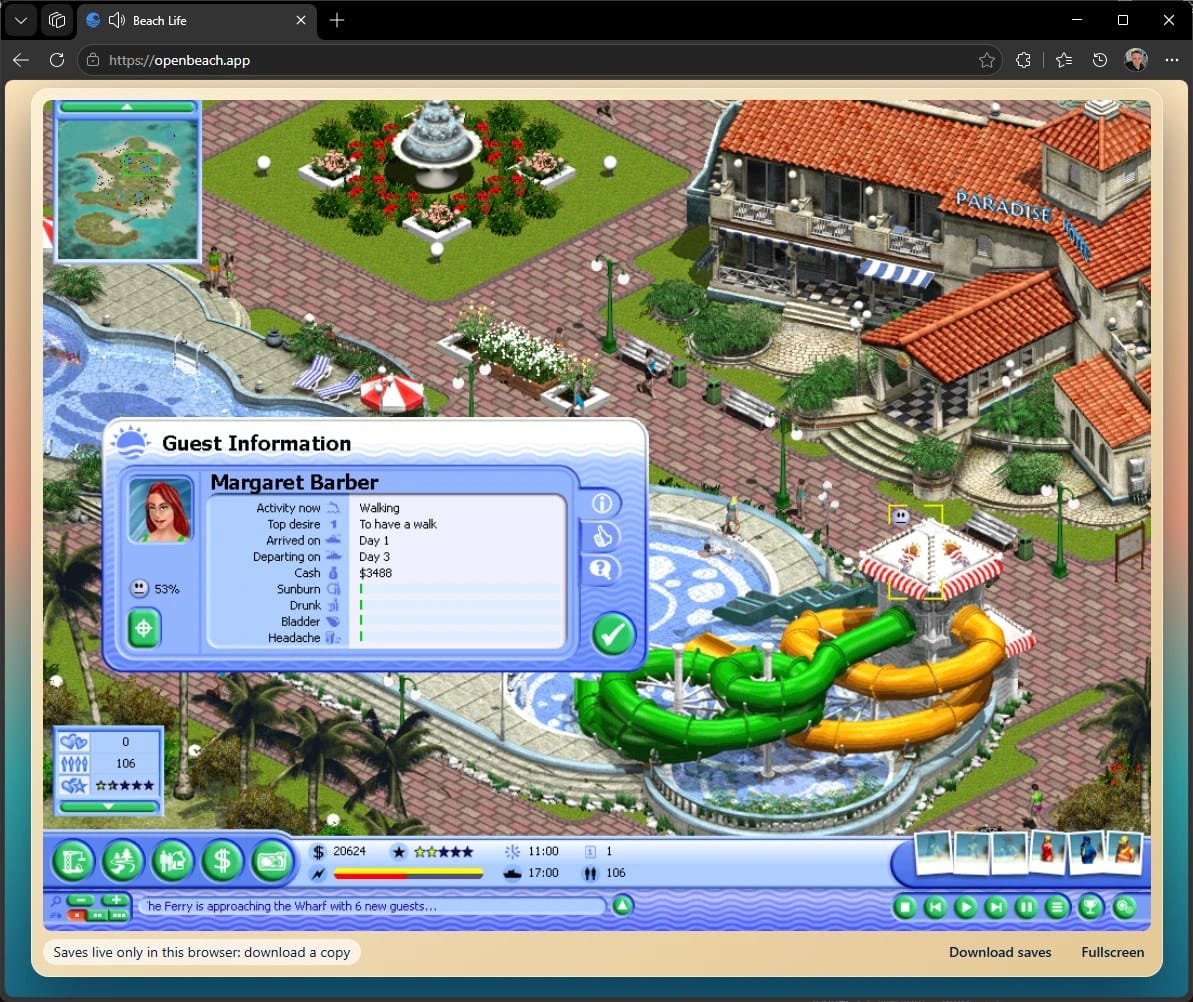
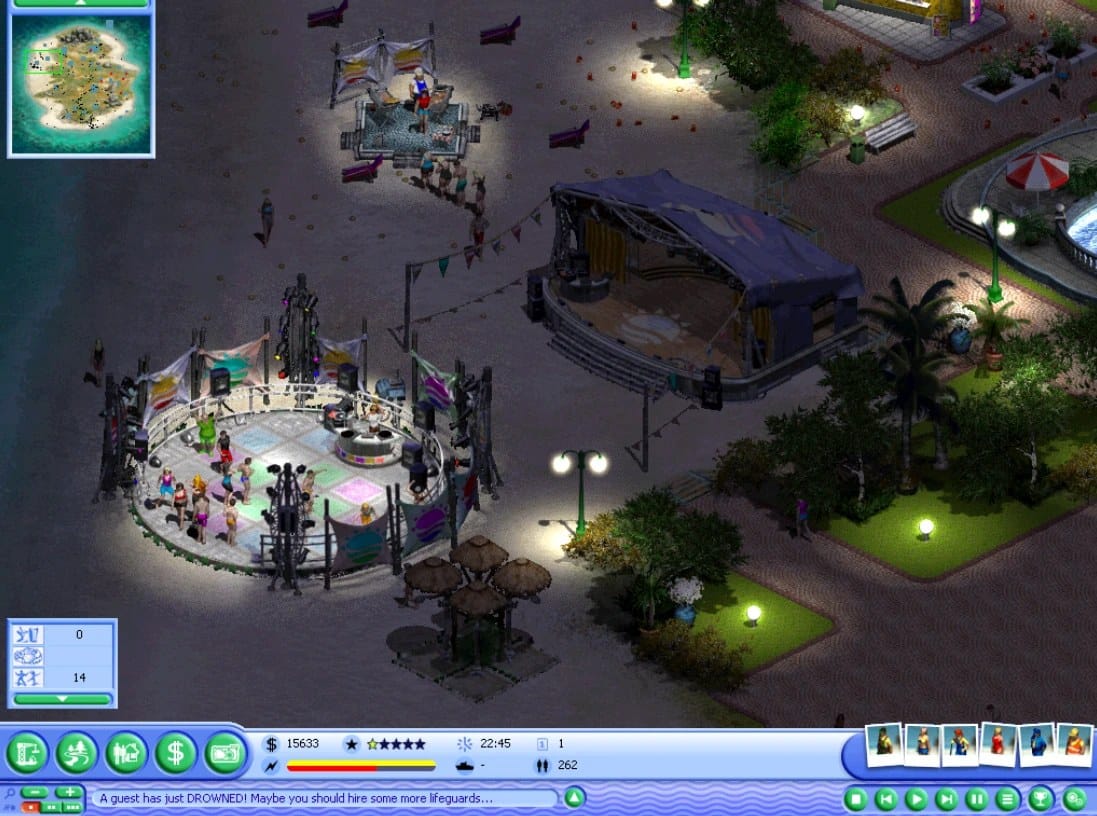
Today I want to show you my new project: OpenBeach. It is an open reimplementation of Beach Life, the 2002 management game (Deep Red Games / Eidos, released in the US as Virtual Resort: Spring Break) where you build and run a resort on a tropical island.
I wrote the engine from scratch in C++20 with SDL3. It runs on Windows, on Linux and, probably the coolest part, directly in your browser: open the page, drop your own copy of the game and play. No installer, no compatibility mode, no hunting for Windows 11 patches. The code is on GitHub under GPL-3.0-or-later.
In this article I’ll walk you through how it works in 5 steps: what OpenBeach actually is, how the game gets imported in the browser, and how I test the engine without a single file of the original game in the repository.
1. What OpenBeach is (and what it isn’t)
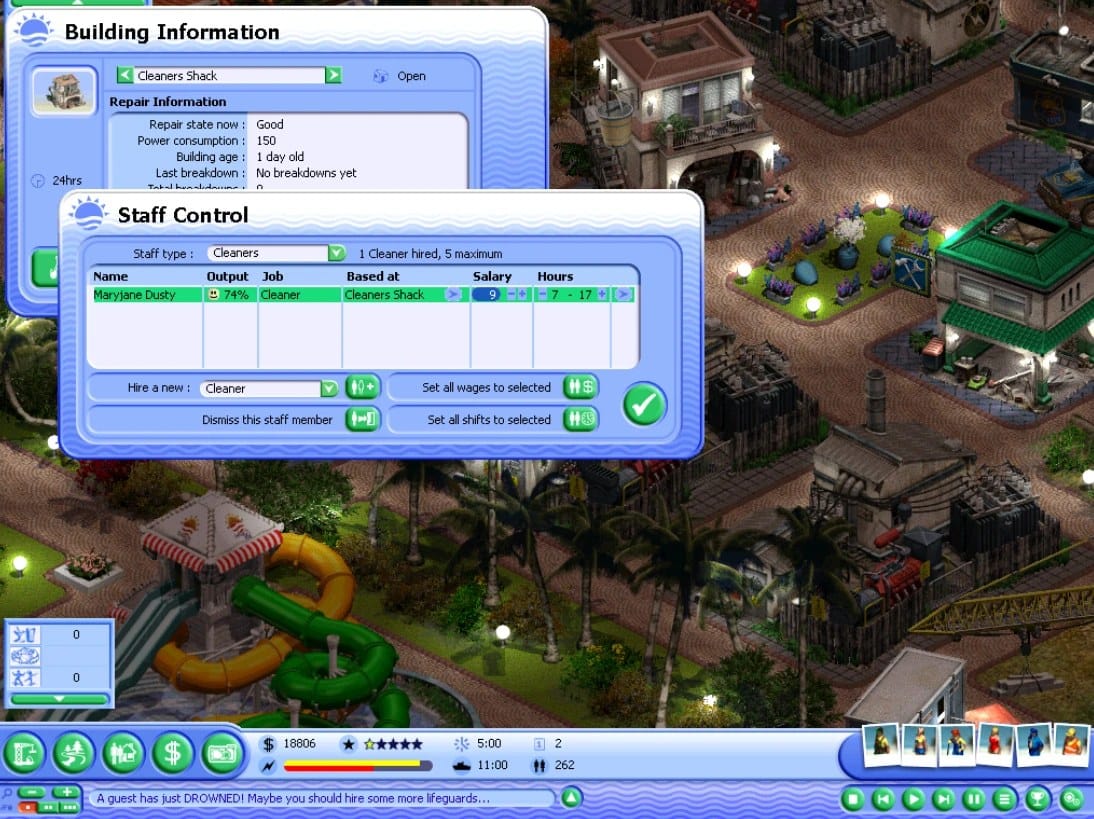
OpenBeach is an engine, not a copy of the game. The repository contains no graphics, music, video, texts or scenario data from Beach Life. The only pieces of the original are a few screenshots in the README. To play the original scenarios you need your own copy of the game: a disc image (.iso) or an installed folder.
You probably know this approach from projects like OpenTTD, OpenRCT2 or OpenMW: new, open code that reads the original game’s data. That way the game isn’t locked to one operating system and one era. The engine can be compiled for new platforms, fixed and extended.
Important: this is an unofficial fan project, not affiliated with the makers or publishers of the original game. Beach Life is a trademark of its rights holders.
2. Playing in the browser: drop, wait, play
For the player it all comes down to three steps:
- Go to openbeach.app and drag your copy of the game onto the page: an .iso file, a mounted drive or the installation folder.
- The browser converts the data once. It takes a few minutes and happens entirely on your computer.
- Play. Next time the game starts straight from the browser’s storage.
Nothing is uploaded to a server. The site is static files: the game and the converter compiled to WebAssembly. Your copy never leaves your machine, and the converted result goes into the browser’s private storage that only this page can reach.
Supported editions: the European and the French/German CD, the UK/US CD (Virtual Resort: Spring Break), the later English CD, and the installed folders of these. A copy the importer doesn’t know is refused with a message and nothing is changed. Languages depend on your edition: English, French, German, Italian, Spanish and Polish. You pick the language on the start screen.
Saves live in the browser, but you can download them as a file (“Download saves”) and load them on another computer (“Import saves”). Old saves from the original game can be converted too.
3. Under the hood: one codebase, three platforms
The game is written in C++20, and SDL3 handles the window, input and audio. The browser version is exactly the same code as the windowed Linux build, compiled with Emscripten. SDL3 has its own Emscripten backend (canvas, Web Audio, DOM events), so the sources compile unchanged. The game’s .wasm file is about 5 MB.
The biggest difference is the main loop. Natively the game spins in a regular loop, while in the browser a single frame is registered with emscripten_set_main_loop, which in practice means requestAnimationFrame.
The converter is a separate program. It reads the original game’s data and writes it out in open formats: JSON, PNG and OGG. On the desktop it is a command-line tool, and in the browser the same code runs as WebAssembly inside a Web Worker. If your machine has enough cores, the sprite and map conversion is split across helper workers. The result goes into OPFS (Origin Private File System), and the page asks the browser for persistent storage so the data doesn’t get evicted.
If you’d rather play natively, every GitHub release has a Windows x64 zip and a Linux x86-64 tarball. Drag your copy onto Import.cmd (or import.sh) once, then start Play.cmd. And if you want to build it yourself, on Linux it looks roughly like this:
git clone https://github.com/h4570/openbeach.git && cd openbeach
OBL_SIM_SKIP_CONVERSION=1 bash tools/obl_sim_linux.sh -DOBL_LINUX_WINDOWED=ON
bin=build/linux-sim-x64/bin
mkdir -p run/packs/base run/remaster
$bin/obl-convert import "<your Beach Life folder>" run/packs/base
$bin/obl-convert resources "<your Beach Life folder>" run/remaster
$bin/OpenBeach --game-dir run
4. How to test a game without the game’s data
If the repository has no Beach Life files at all, how is CI supposed to check anything? There are two answers.
The first is the headless simulation. The engine can play a whole scenario without a window, graphics or sound. Tests are scripts that drive the game and compare the results with golden references, so the mechanics (guests, buildings, staff, money) are tested just like regular code.
The second is the L0 pack: a small scenario of our own with a minimal map and building set that needs no original data. It runs on the same mechanics as the full scenarios, so CI can play the game without having the game.
Not everything fits into CI, though. For the browser build I have a local probe: a script that opens the site in headless Chrome or Edge, clicks “Click to start”, takes canvas screenshots and collects logs. It helped me find a pretty fun bug. The intro movie got stuck at the very end, because the browser’s audio device runs at 48 kHz while the movie’s stream is 44.1 kHz. The last converted samples waited for a flush that never came, and the movie waited for the stream to drain. A classic audio deadlock. 🙂
5. Where the project is and how you can help
OpenBeach is still under development. The campaign and the sandbox scenarios are playable, but you may run into bugs. Phones are experimental: touch controls are new and still rough, and the game keeps about 1 GB of data in the browser, so a desktop or laptop is still the better choice. Chrome and Edge are the best tested.
If you still have an old Beach Life disc, I’d be really happy if you:
- play it at openbeach.app and tell me how it went,
- report bugs on GitHub or on Discord,
- star the repository, because it genuinely helps the project reach people,
- send the link to someone who played Beach Life years ago.
Summary
OpenBeach shows that a game from over 20 years ago can be brought to the browser without putting a single one of its files online. All it takes is an open C++20 engine, SDL3, WebAssembly and a converter that does all the work locally. If you like tycoon games, or you’re just curious how to port old code to the browser, take a look at the repository. The architecture docs are quite extensive.
See you on the beach! 🏖️